Checklist Notifications
To-do Checklist for Team can send notifications to the checklist item the Assignee(s) for the following events:
-
Item Assigned
-
Item Unassigned
-
Item Due Date Added
-
Item Due Date Changed
-
Item Due Date Removed
-
Item Completed
-
Item Marked as Incomplete
-
Item deleted
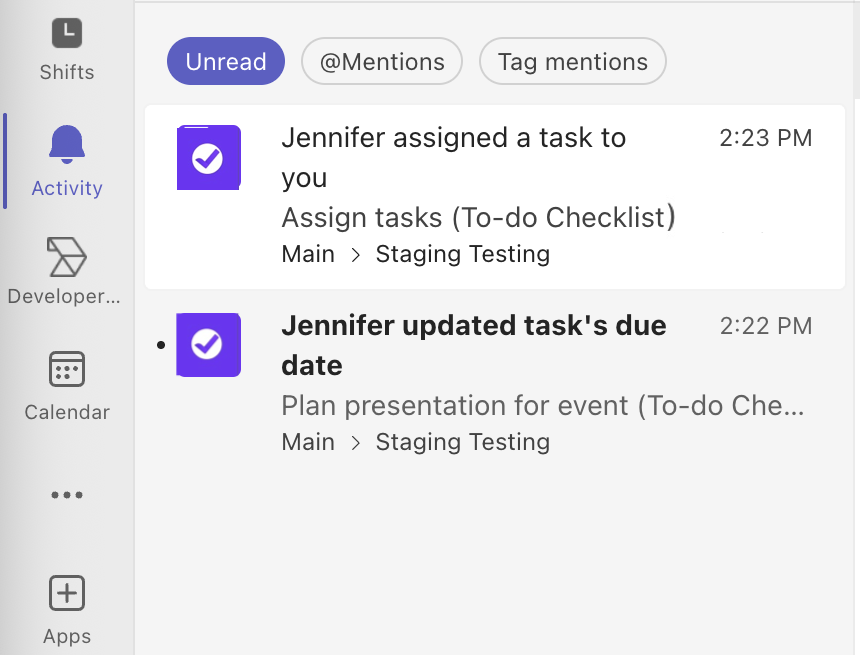
Notifications will be shown in the Activity panel…
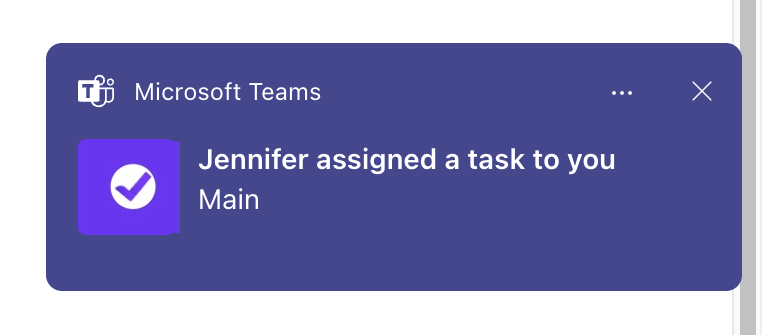
And as a pop-up, in accordance with the team member’s settings.
Enabling Checklist Notifications in a Channel
Notifications are applied per channel and are enabled by default.
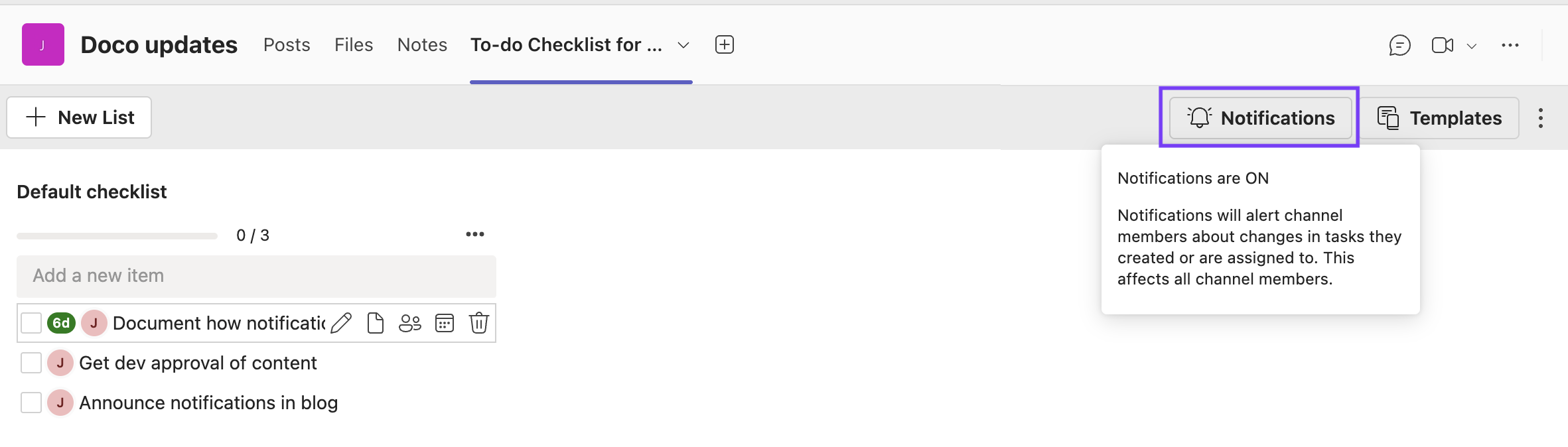
You can disable notifications for the channel by clicking on the Notifications button.
Enabling Checklist Notifications for a User
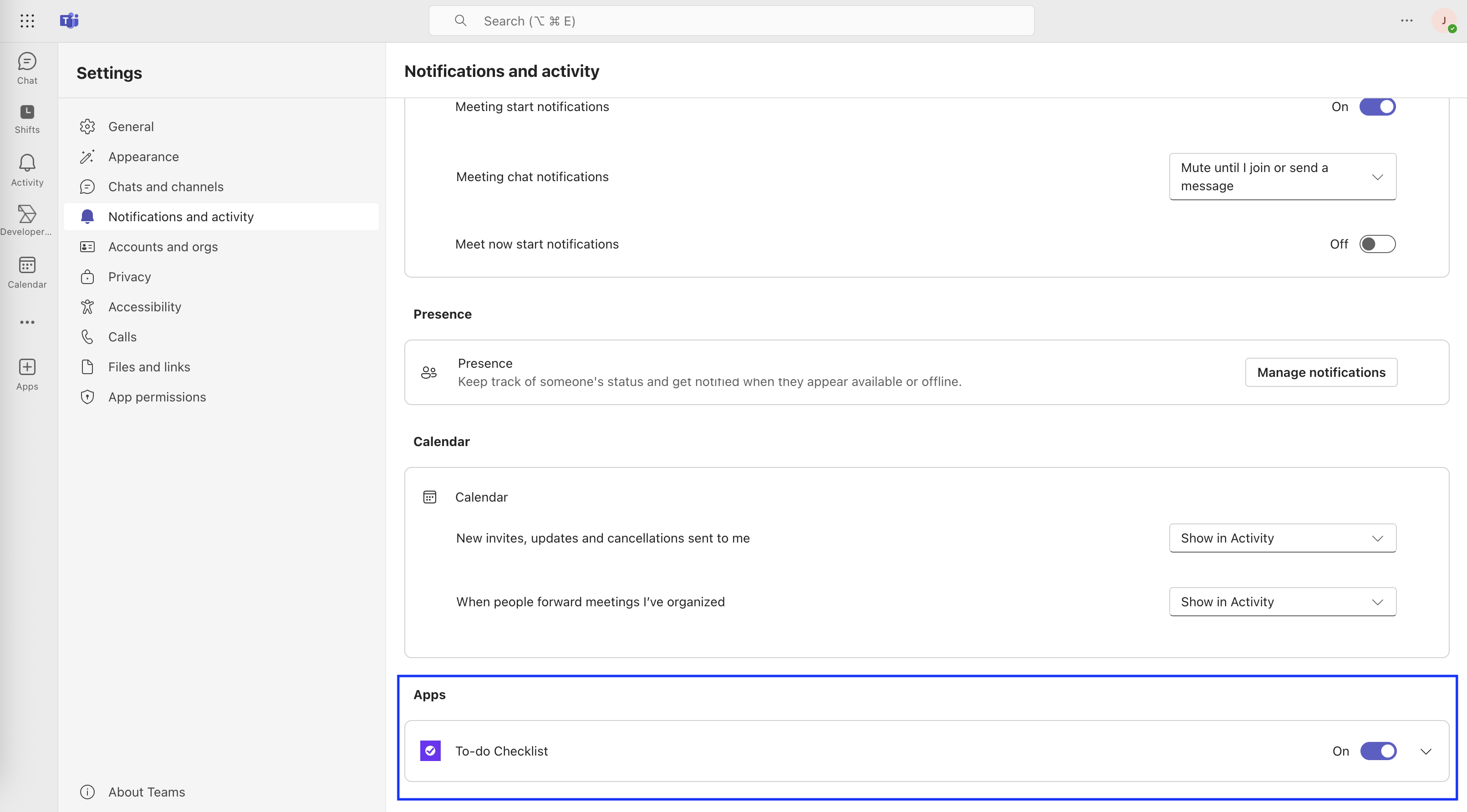
A user can enable disable notifications by navigating to Settings > Notifications and activity, scrolling down to the apps section and using the toggle to eanble / disable notifications for To-do Checklist.