
When Checklists for Jira is installed, six custom fields are created. These fields give you access to advanced functionality such as creating automation rules, working with the Jira REST API, or making checklist progress visible on Jira boards. Which fields are available, and how they function will vary depending on whether you are using the free , Pro or Enterprise app.
Adding Checklist Custom Fields
To get the most out of the Checklists app, we recommend that you add the Checklists for Jira custom fields to your Default field configuration, or whichever field configuration(s) are used by the spaces where you’ll be using checklists.
-
Navigate to Jira settings > Work items > Field Configuration.
-
Go to the the appropriate field configuration and click on Configure.
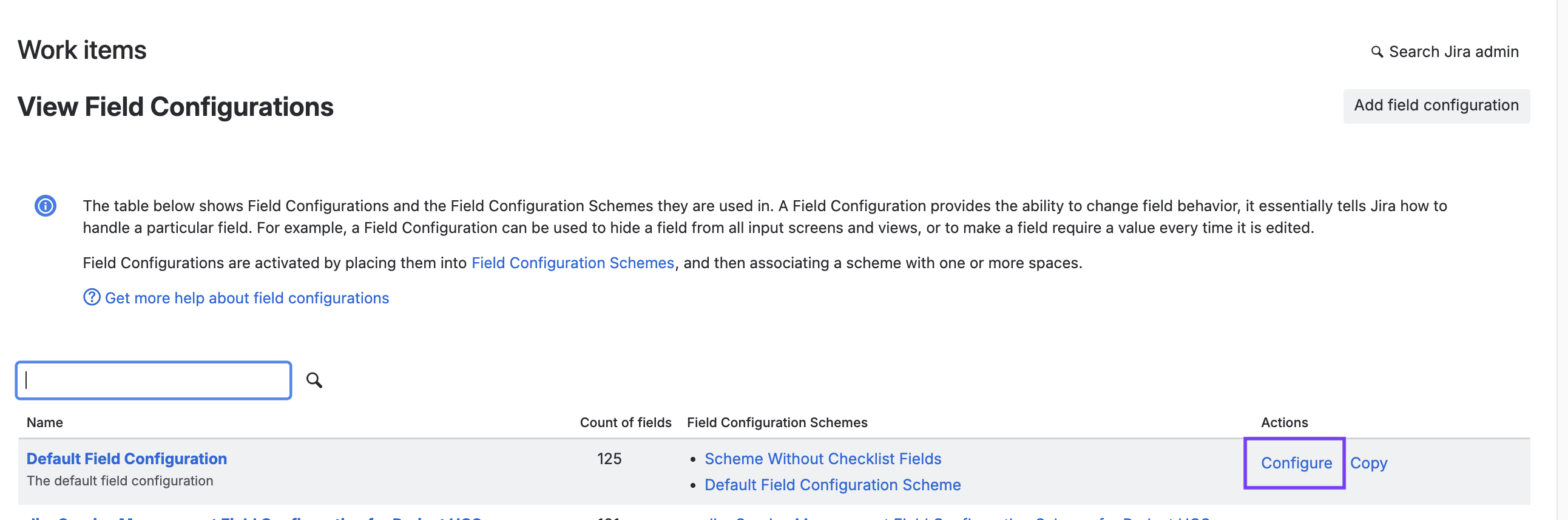
-
Use the Add field button to add the following fields:
