Portfolio Formula Builder Rovo agent uses Rovo credits. Learn more
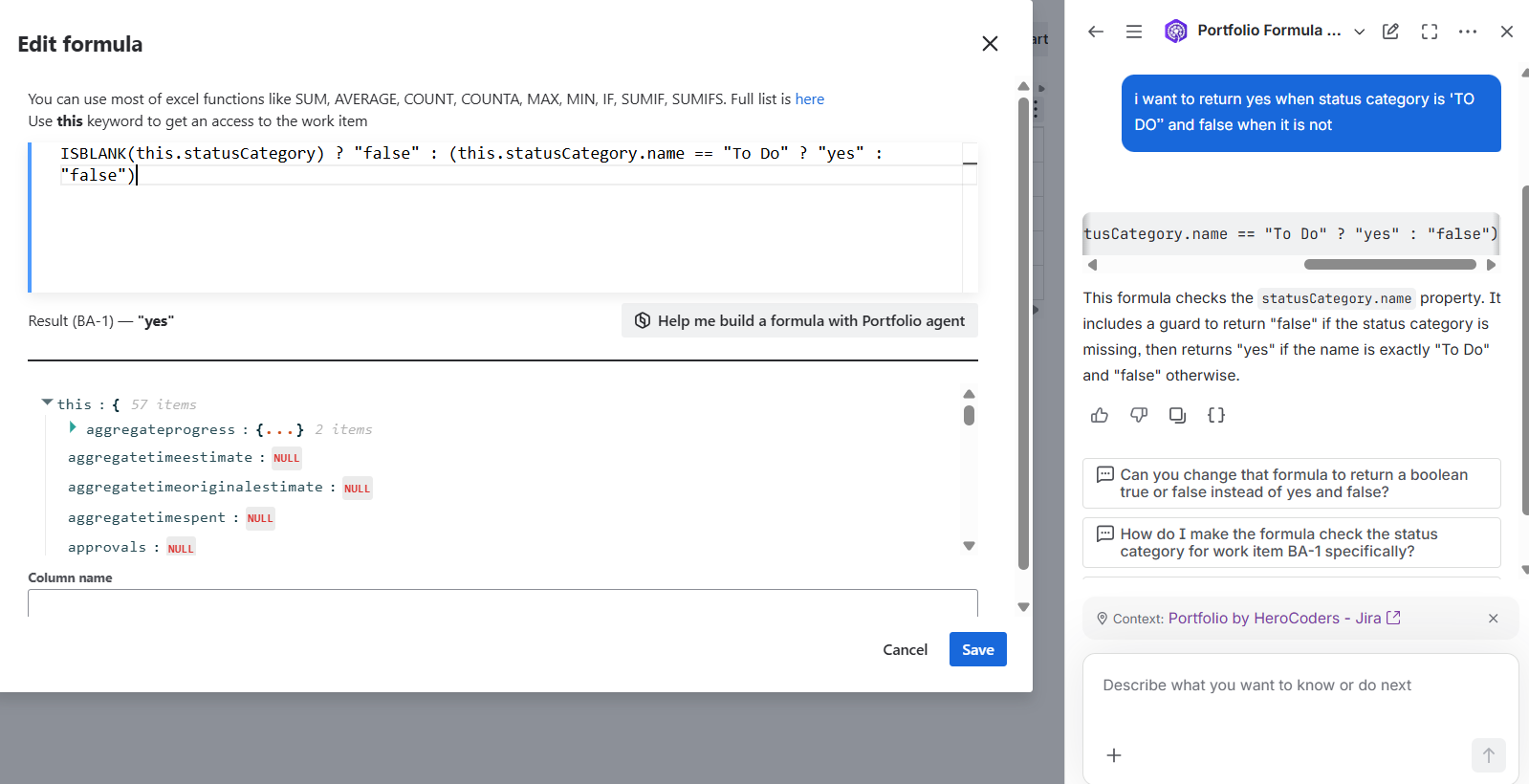
Custom formulas in Portfolio transform portfolio data into tailored calculations and insights within the formula column. Instead of using separate spreadsheets or manual calculations, teams define consistent logic once and apply it across planning, reporting, and prioritisation. This lets you compare work faster, reduce errors, and make better decisions with data aligned to how your organisation plans and measures value. With Ask Rovo and the Portfolio Formula Builder, you can describe the outcome you need in plain language and get help creating formulas faster.
Prerequisites
-
You have access to Rovo.
-
The Portfolio Formula Builder agent is available in Ask Rovo.
Create a formula with Ask Rovo
-
Click the Ask Rovo button.
-
Select the Portfolio Formula Builder agent.
-
Describe the calculation you want to create, including the fields, conditions, and expected result.
-
Review the formula generated by the agent and ask follow-up questions if you need changes.
-
Copy the final formula and paste it into the formula editor.
-
Add a clear name for the formula, then save it.
Example prompt
Create a Portfolio formula that calculates the planned profit by deducting the planned cost from planned revenue and then dividing it by a 100
Troubleshooting and notes
-
If the formula does not work, ask the agent to explain each part and check the field names and syntax.
-
Formula.js supports many Excel-style functions, but not every Excel function or behaviour may be available.
-
Always test the formula with sample portfolio data before using it in reporting or decision-making.