
The Calendar view is now available in Clockwork Lite 🗓️
-
Get an overview of your week in a calendar view.
-
Fill in the missing time with a simple drag-and-drop
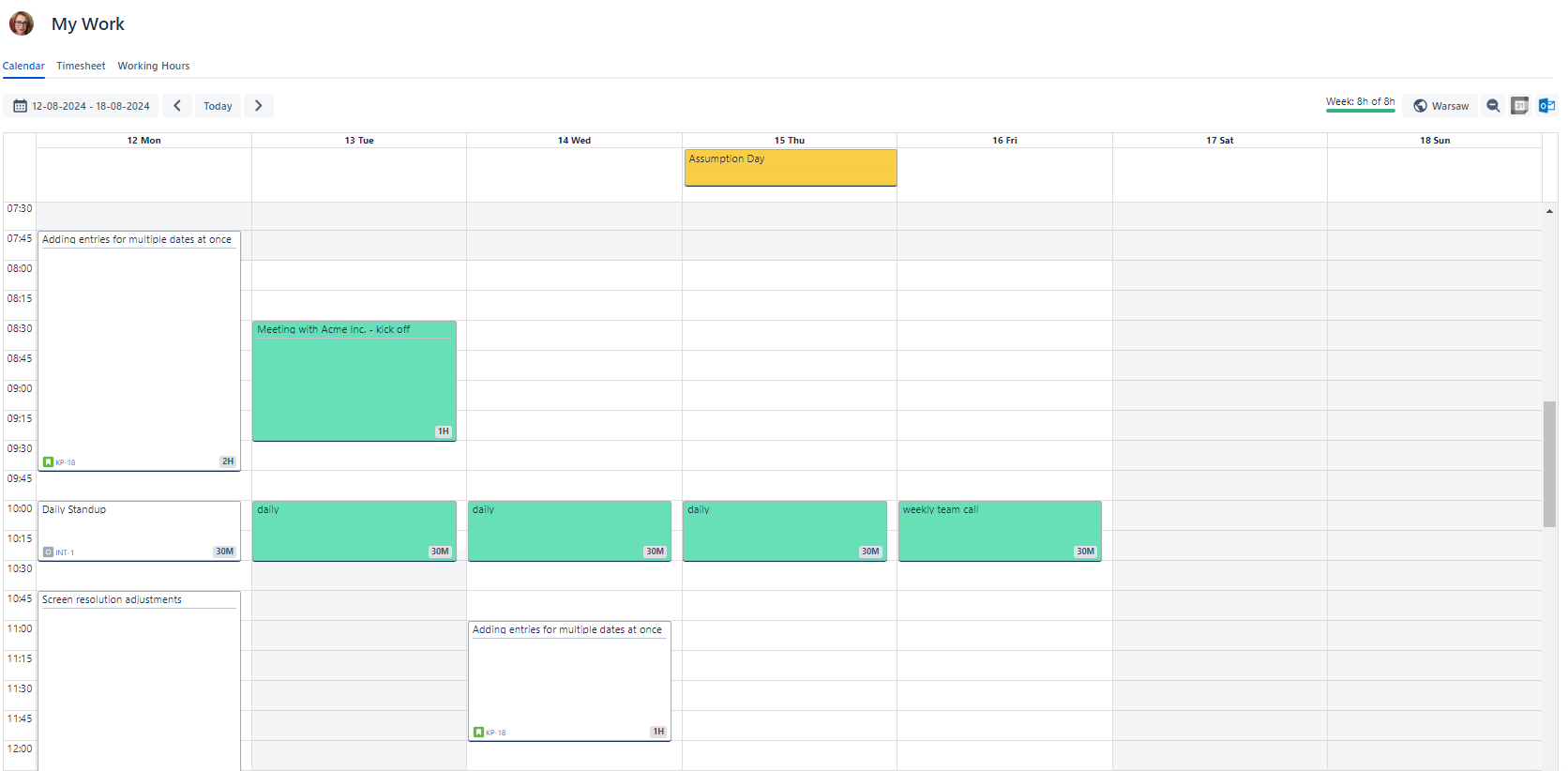
Calendar functionality is limited in Clockwork Lite. Upgrade to Clockwork Pro to enjoy:
-
Copying-pasting worklogs
-
Repeatable worklogs
-
Calendar integrations (Google or Outlook),
-
Draging and droping recent issues
Clockwork Lite is now Cloud Fortified 
The Cloud Fortified Apps Program aims to serve Atlassian’s largest customers and those with more business-critical operating requirements regarding security, reliability, and support in add-on apps.
What does it mean?
To qualify as a Cloud Fortified app, Clockwork Lite had to meet several requirements:
-
Adhere to Service Level Objectives for SLIs defined by Atlassian.
-
Satisfy production readiness requirements, including the assessment of the app's scalability and performance, incident and post-incident management processes in place, and service restoration plan in place.
-
Meet all https://developer.atlassian.com/platform/marketplace/atlassian-marketplace-security-bug-bounty-program/ requirements.
-
Complete the Privacy and Security tab in the marketplace listing.
-
Provide and maintain a primary point of contact for customer support requests raised via Atlassian support. This point of contact must respond on the Atlassian support ticket.
-
Commit to responding to customers and Atlassian support within 24 hours for T1 support, 5 days a week in Marketplace Partner local timezone.