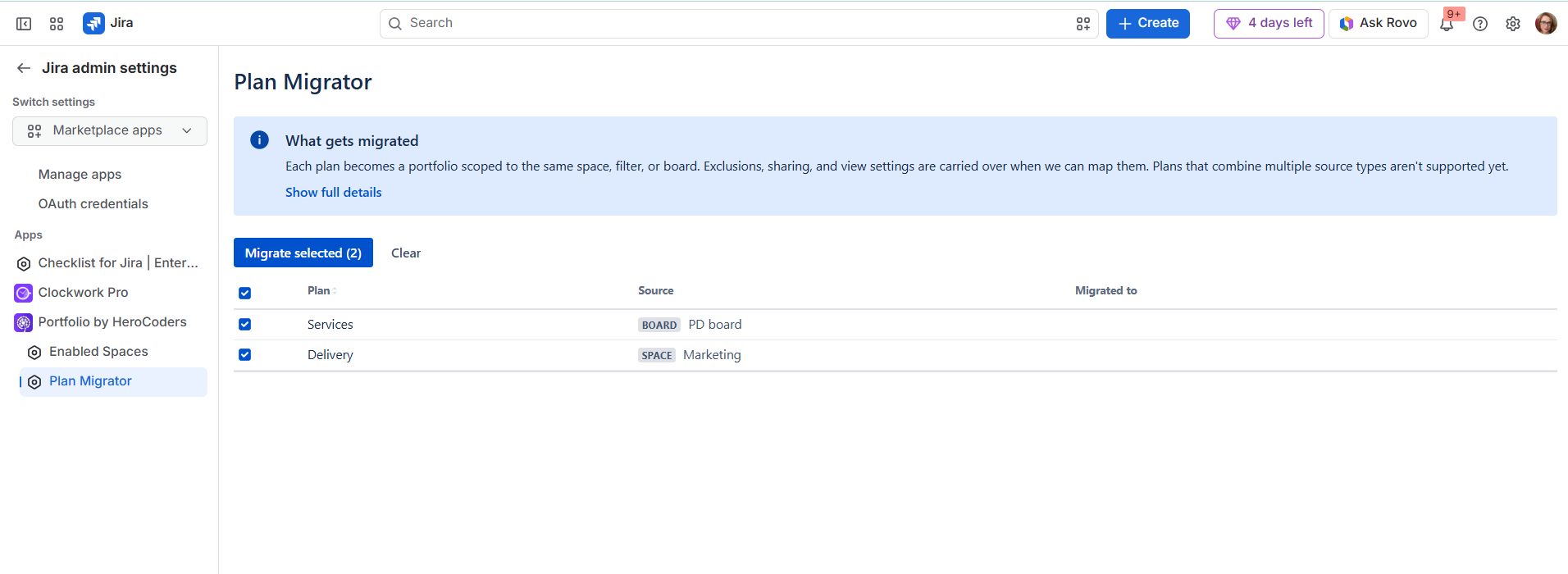
If you’re using Jira Plans and would like to move them to Portfolio, now you can migrate them over. The Plan migrator can copy over such attributes as scope, exclusions, columns, groupings, sorting, hierarchy nesting, sharing and the plan owner.
Plans that combine multiple source types aren't supported yet.
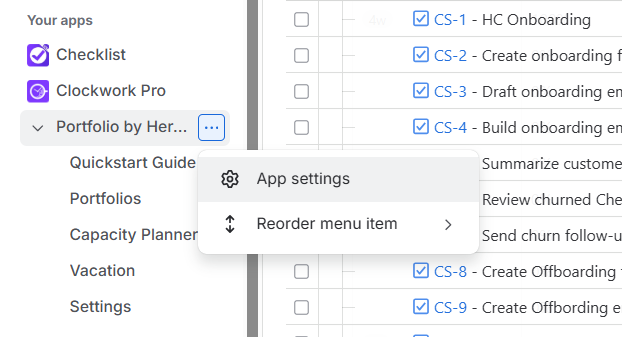
From the navigation menu on the left select Apps, and then click on the three dots next to Portfolio and select App Settings.
Select Plan Migrator on the left and then mark all the plans you want to move over to Portfolio, then click on Migrate selected.