Clockwork usually updates automatically when a new version is released.
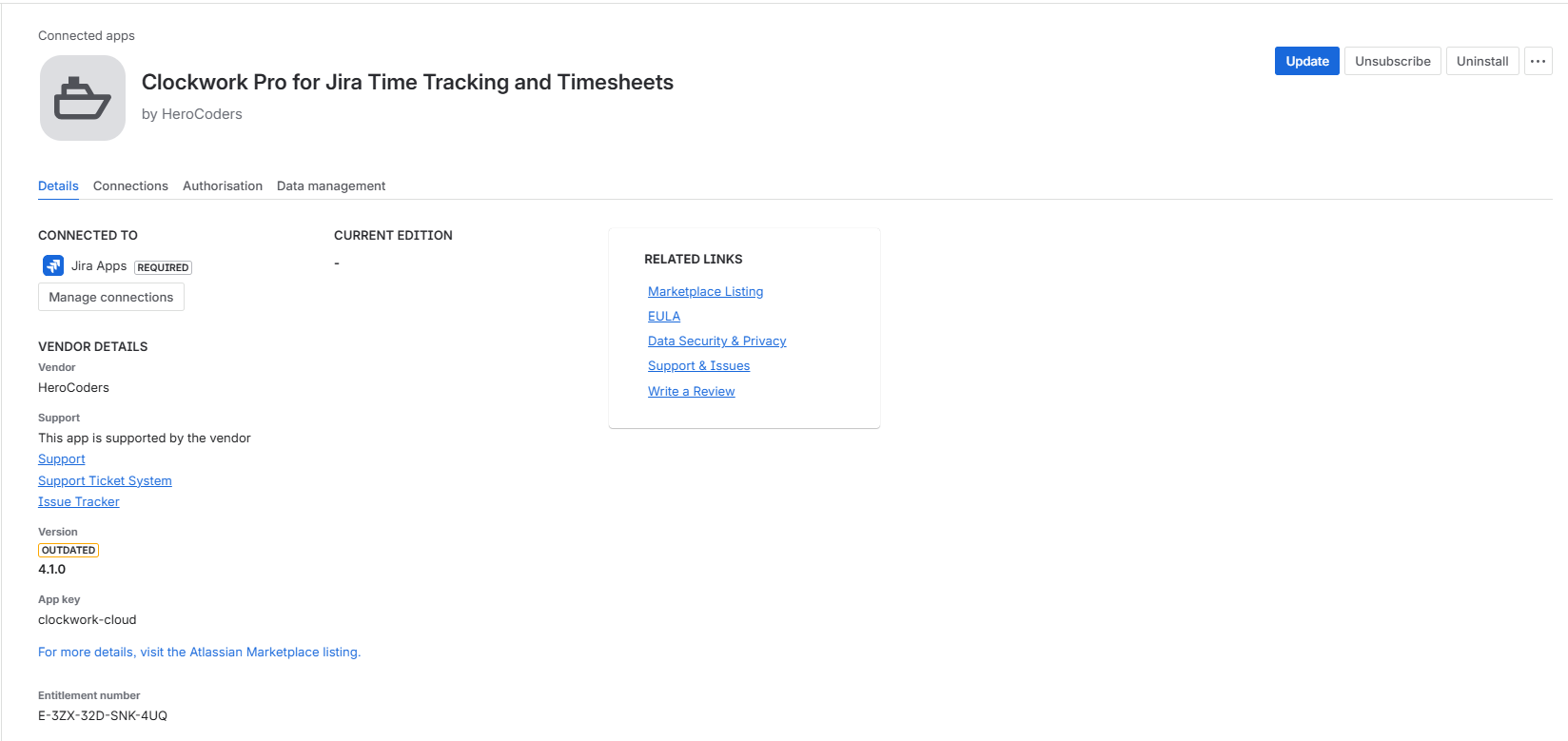
Major upgrades require the Jira administrator to update manually. Since we recently released a new Forge version, check if you have the latest.
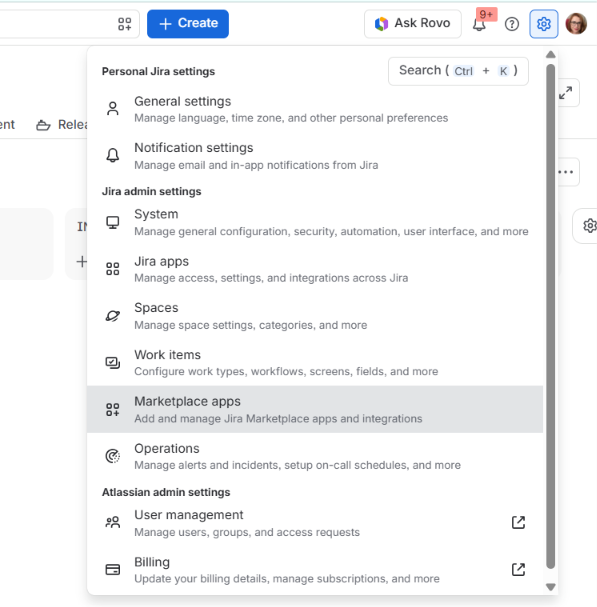
To check, go to the Settings icon at the top right and select Marketplace apps.
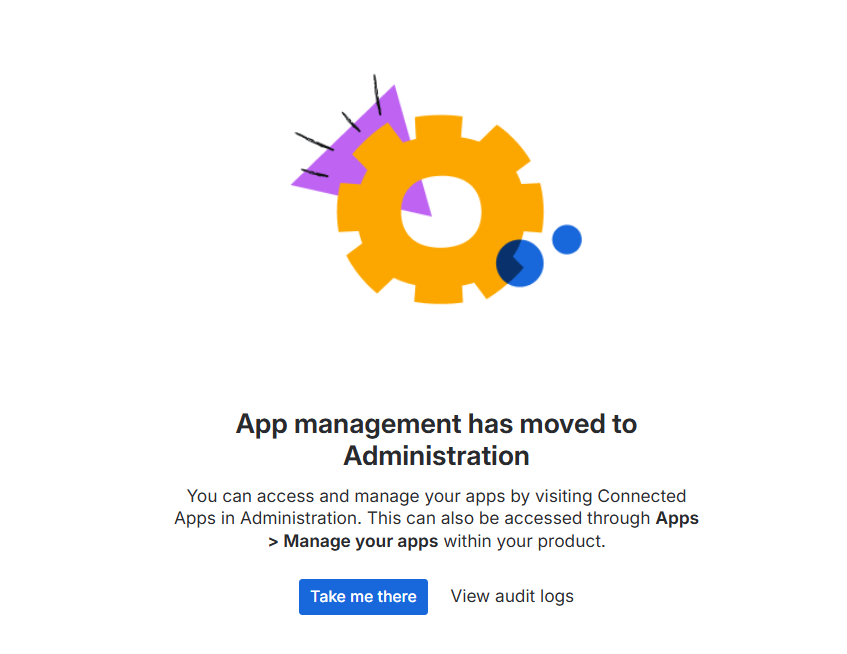
Then, confirm by clicking Take me there. Jira will redirect you to Administration.
Find Clockwork on the list of apps and select View app details.

If there is a higher major version available, you’ll see an Update button in the top right corner.
Click it and it will update the version within minutes.