
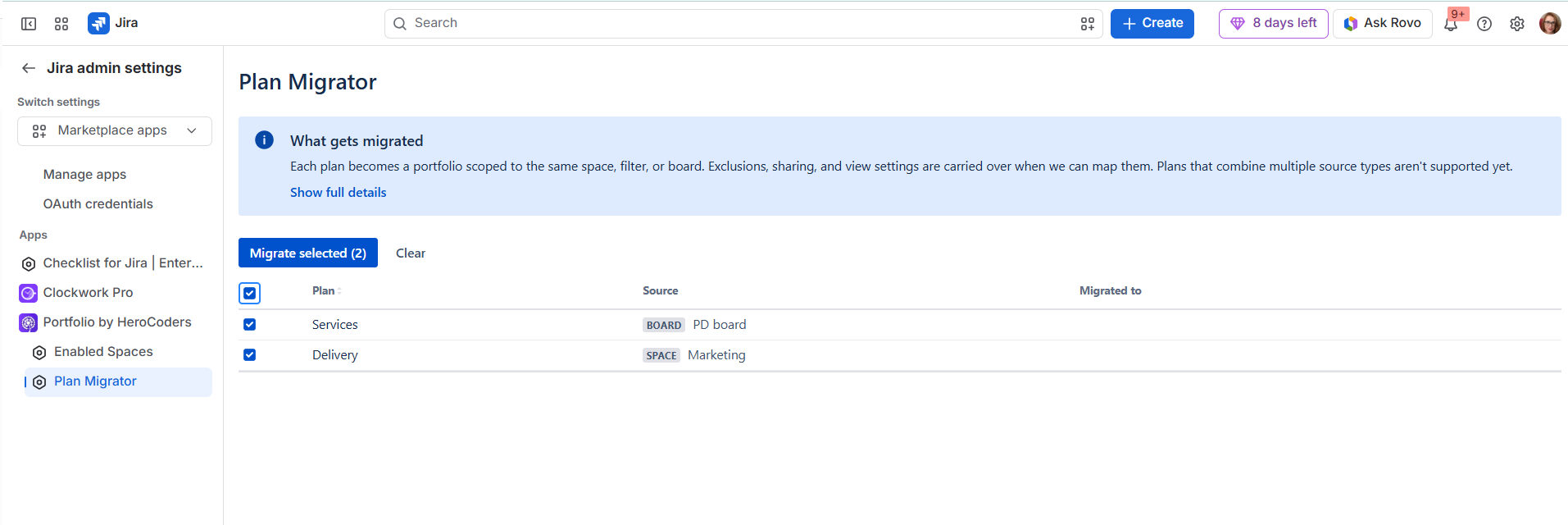
Migrator from Jira Plans
Switching from Jira Plans to Portfolio by HeroCoders should feel like a step forward, not another project to manage. With the new migrator from Jira Plans, teams can bring their existing planning setup into Portfolio more smoothly and start working with their project portfolios data much sooner.
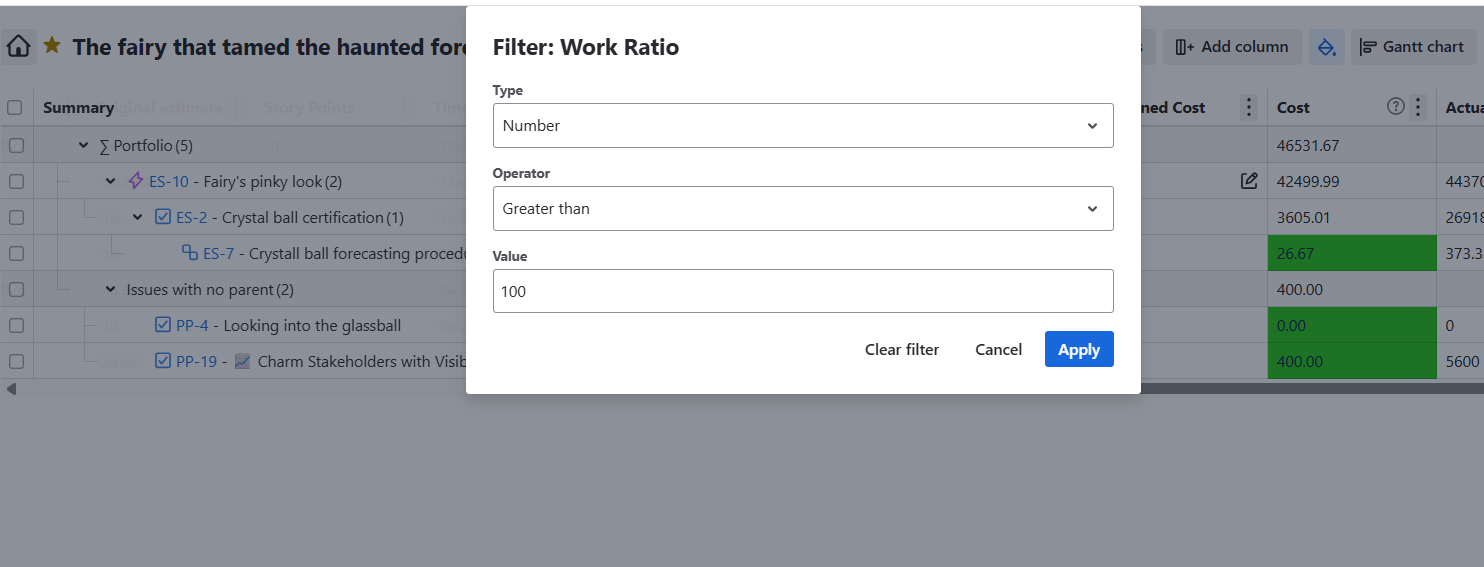
Field-based filters
Finding the right work in a large portfolio is now faster and more intuitive. Instead of relying on manual text search, you can filter directly from column headers by value or text, including the fields that matter most in your view. The result is a cleaner way to create focused, reusable views for stakeholders, with less scrolling and more time spent on the decisions that move work forward.
Multiple dependencies
Planning complex work often means tracking more than one blocker. Portfolio now supports multiple dependencies, so you can capture real-world delivery relationships without choosing a single ‘primary’ link. We also improved how visually dependency lines are presented in the Gantt chart so it’s easier to manage tasks with multiple dependencies.
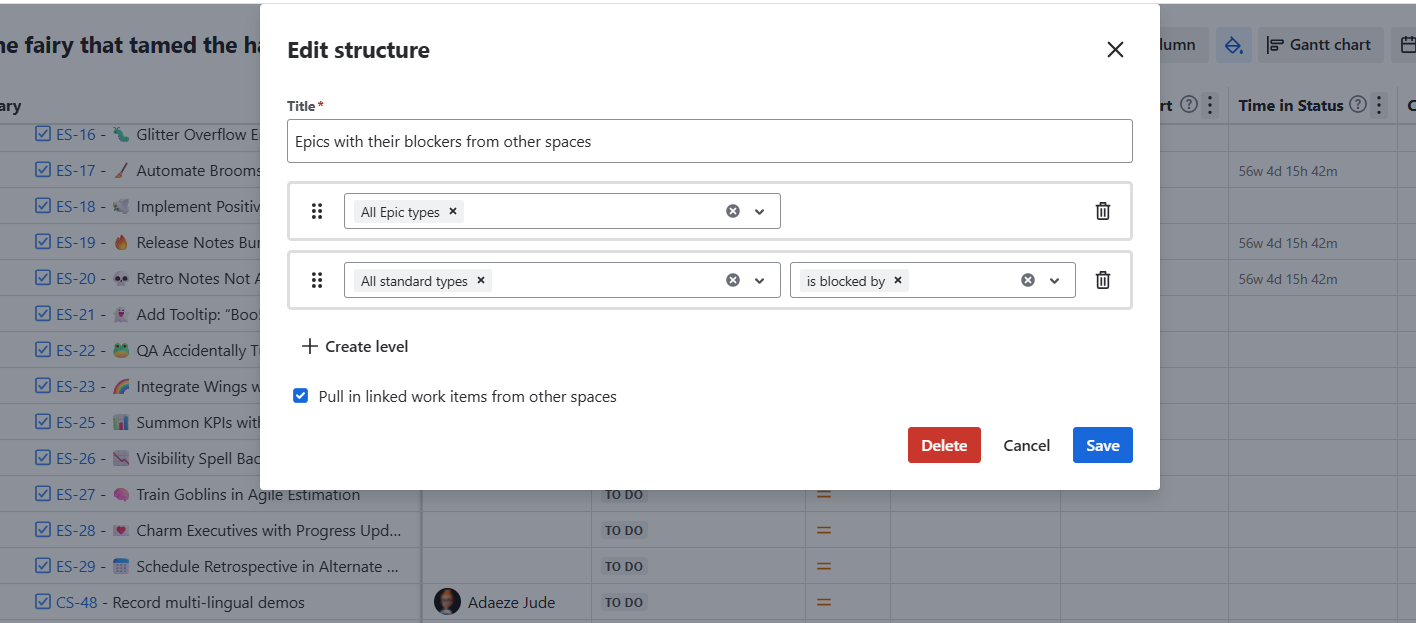
See the full picture with link-type structures
Portfolio now gives teams a more complete view of work by bringing linked items into link-type structures even when those items sit outside the portfolio scope. This helps teams uncover cross-space dependencies they may not know about in advance, while a new setting still lets them keep the structure limited to in-scope items when they want a more focused view.
Advanced formulas with Hierarchy Aggregation
Create smarter, more flexible portfolio insights with custom formulas that can aggregate data across your hierarchy. By including parent or child values in your calculations, teams can roll up progress, compare related work, and surface the metrics that matter without manual workarounds.
Calculated Start and End dates are now availabe for your custom formulas
Build more accurate, automated portfolio views with Calculated Start and End dates now available in custom formulas. Teams can use schedule data directly in their calculations to highlight timing risks, compare planned timelines, and create clearer progress indicators without manual date checks or spreadsheet workarounds.
Custom formulas with decimal places configuration
Make formula results easier to read and share with configurable decimal places for custom formulas. Teams can choose the level of precision that fits each metric, from clean whole-number summaries for executives to detailed decimal values for deeper analysis. This keeps portfolio reports consistent, reduces manual formatting work, and helps stakeholders focus on the insight instead of the numbers behind it.

Multiple portfolios within a single portfolio - Portfolio Scopes/Folders
Bring every planning conversation into one portfolio view by organising your feature roadmap, bug backlog, and company initiatives into separate folders with their own scopes. Product leaders can see strategic initiatives alongside upcoming features and critical fixes without switching between tools or creating disconnected portfolios. This gives teams a shared business view of what is being built, what needs attention, and how day-to-day delivery supports company goals, making prioritisation clearer and stakeholder reporting much easier.

Expand or collapse work items in your Portfolio
Navigate large portfolios faster with the ability to expand or collapse work items directly in your Portfolio view. Teams can focus on the right level of detail, reduce visual clutter, and move between high-level planning and task-level follow-up without losing context.
