If you need to find work item entity properties for support purposes, you can get them through one of the following ways:
Jira API REST Request
Open terminal (command-line interface) and execute the following curl command, replacing:
-
your-domainwith your Jira URL -
{issueKey}with valid Jira work item key -
email@example.comwith your email -
api_tokenwith your API token
curl --request GET \
  --url 'https://your-domain.atlassian.net/rest/api/2/issue/{issueKey}?properties=*all' \
  --user 'email@example.com:<api_token>' \
  --header 'Accept: application/json'
You can also make the request through a third-party tool such as Postman.
Entity Property Tool App
-
Install the Entity Property Tool app.
-
Open the work item page.
-
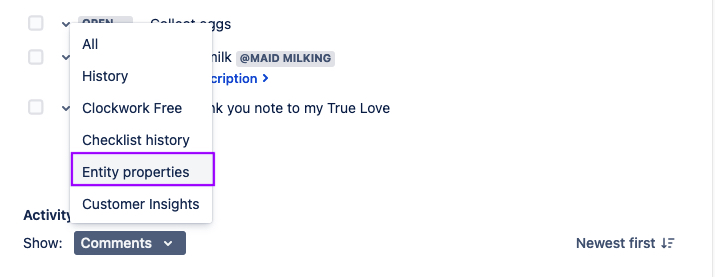
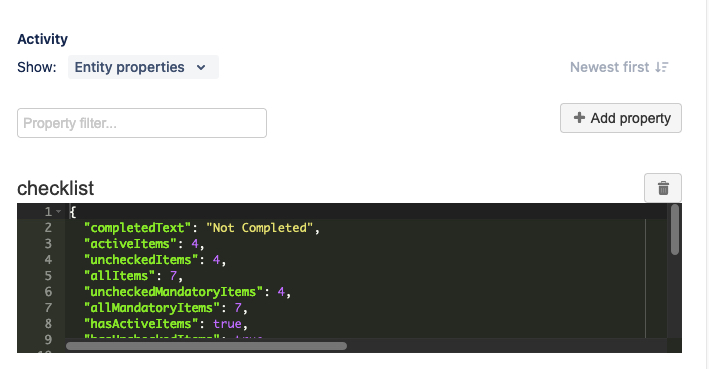
Select the Entity properties tab to see the details of the entity properties.