Clockwork can run on any or all spaces in your Jira instance. Users can only track time with Clockwork in active spaces.
To Configure Activate Clockwork on Any/All Spaces
-
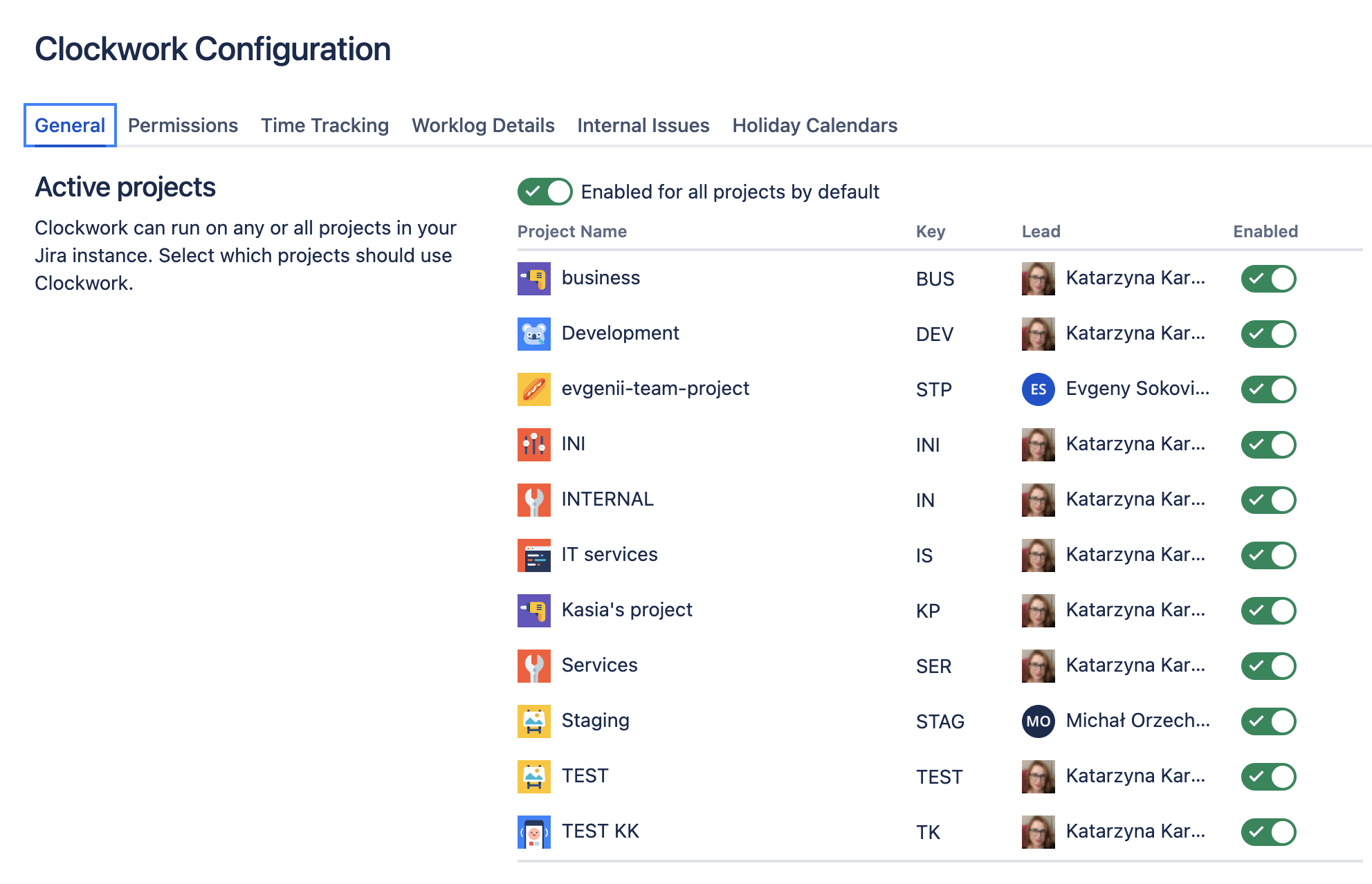
Log in as a Jira administrator and navigate to Jira Settings > Apps > Clockwork Configuration and select the General tab.
-
Use the toggles to enable Clockwork on all spaces by default, or to only enable Clockwork on selected spaces.
To Configure Activate Clockwork on a Specific Spaces
-
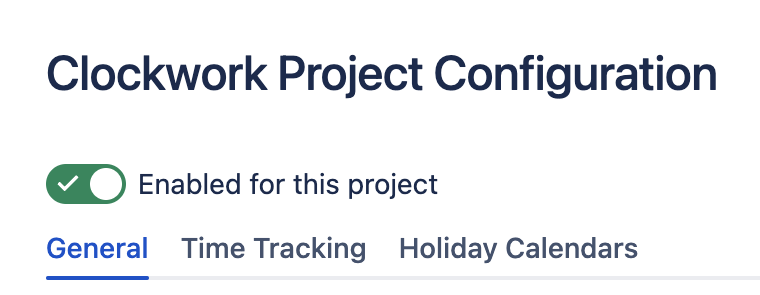
Navigate to Space settings > Apps > Clockwork Configuration and select the General tab.
-
Use the toggle to enable Clockwork on the space.