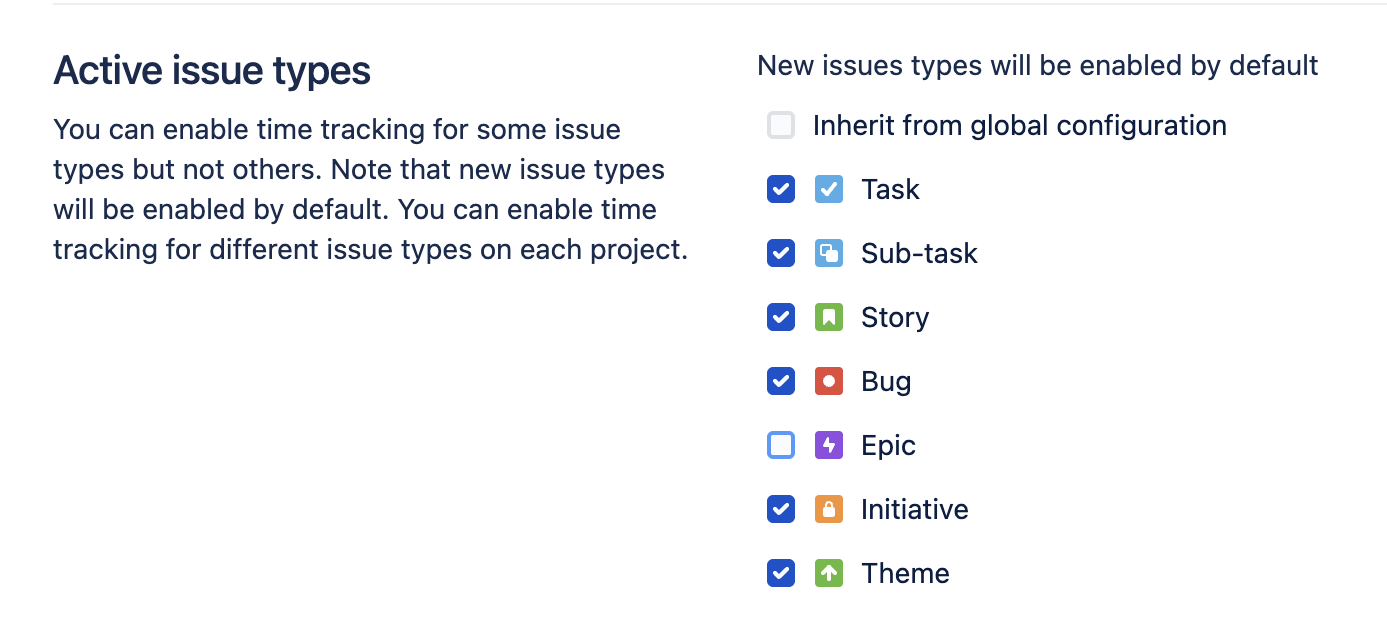
Clockwork allows you to enable time tracking on all or selected work item types. (All work item types are enabled by default.)
Configure Global Active Work Item Types
To configure global Active work item types:
-
Log in as a Jira administrator and navigate to Jira Settings > Apps > Clockwork Configuration and select the General tab.
-
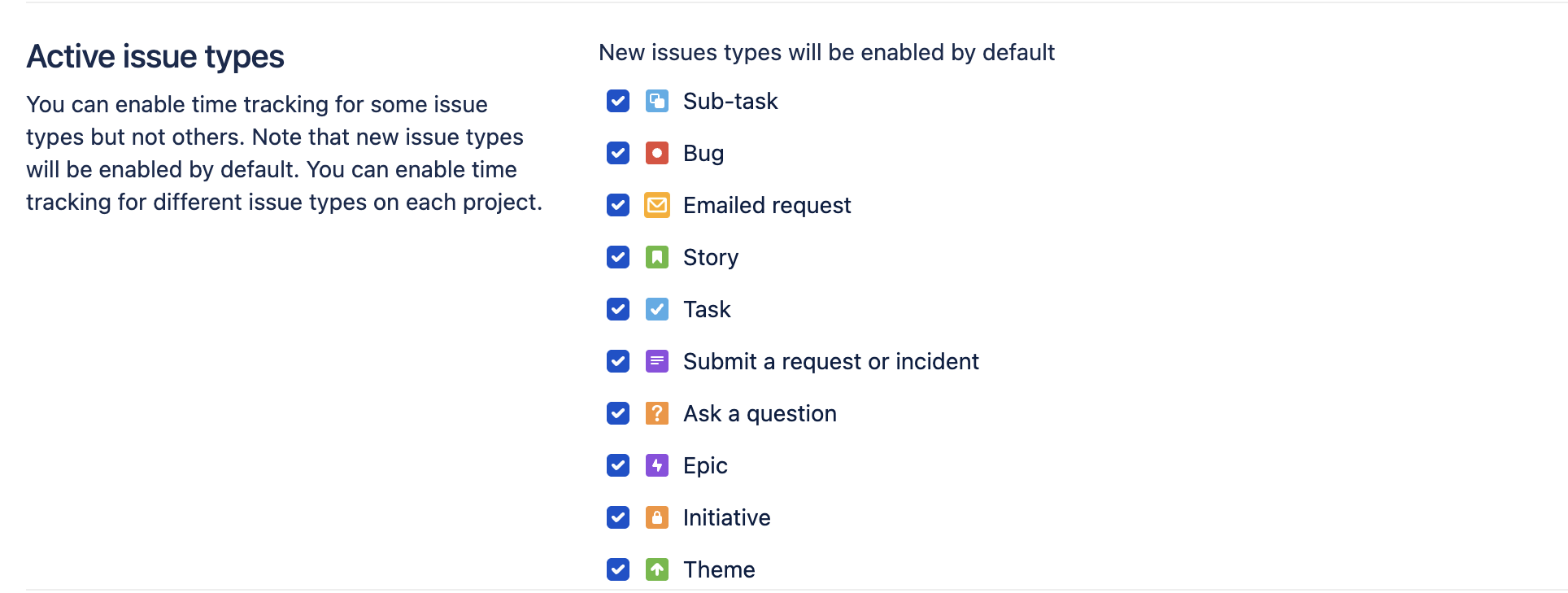
Use the checkboxes to enable Clockwork on the desired work item types.
Configure Active Work Item Types for a Space
To configure Active work item types for a specific space:
-
Navigate to Space settings > Apps > Clockwork Configuration and select the General tab.
-
Scroll down to Active Issue types and uncheck the Inherit form global configuration option.
-
Use the checkboxes to enable Clockwork on the desired work item types.